Edit Powerpoint presentations
with natural language
Make fast, repeatable edits through chat, without manual clicks
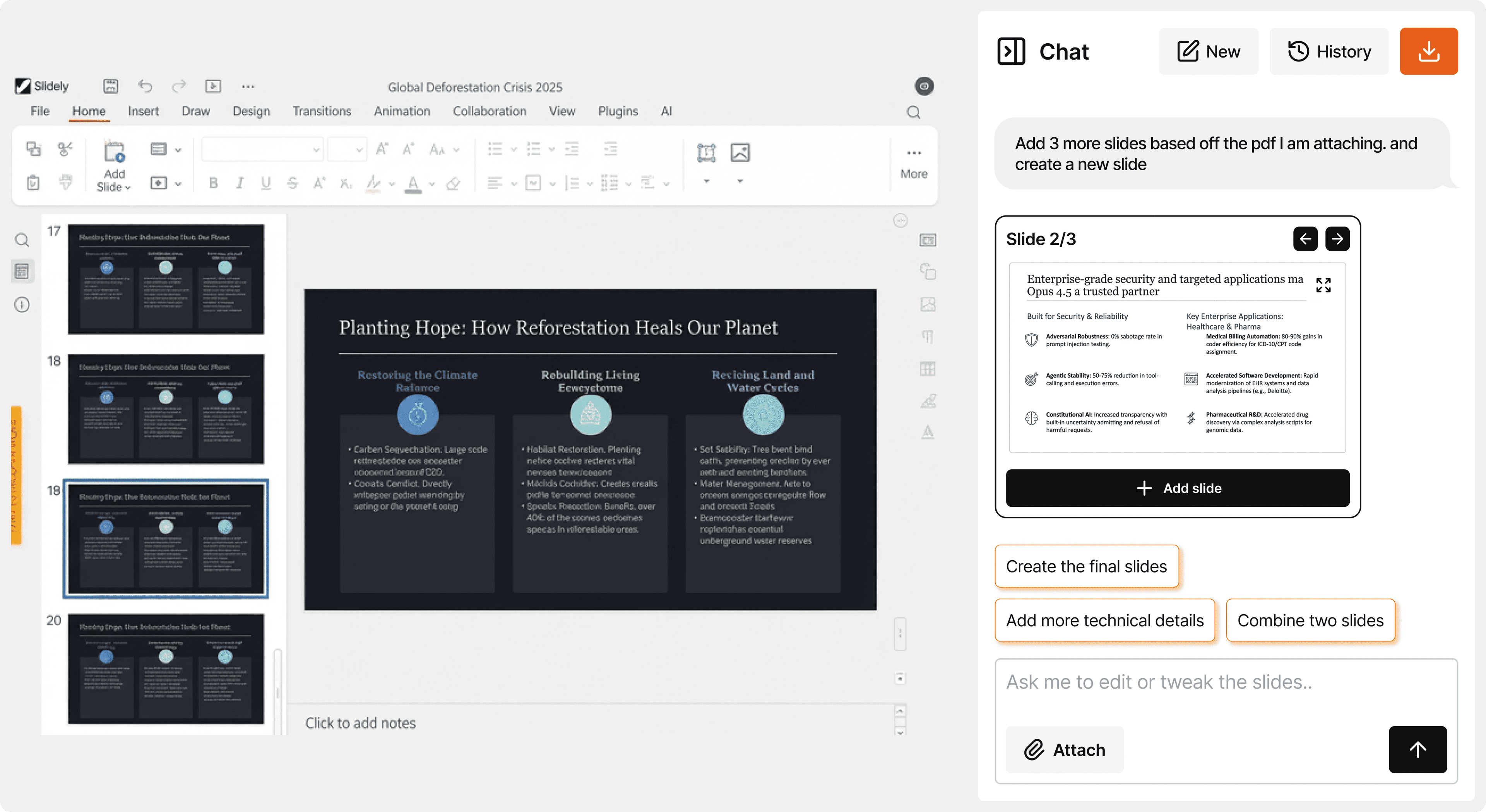
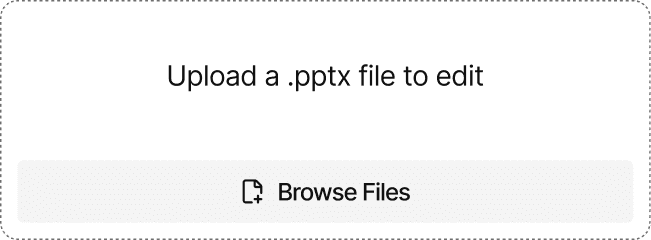
Open any .pptx file that you want to edit
Upload a deck from any source. ChatPPT keeps everything fully editable.
Ask an Edit, from simple to complex
Update charts, rewrite text, adjust layouts, or redesign slides in place.
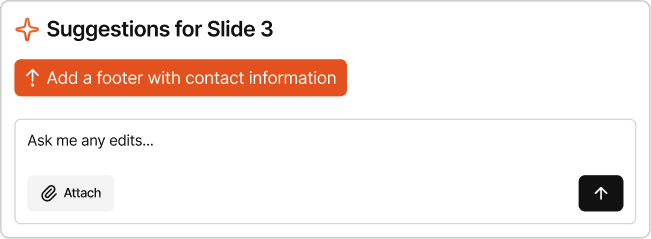
Make fast, targeted changes
Review a preview, refine in chat, then apply the final change.
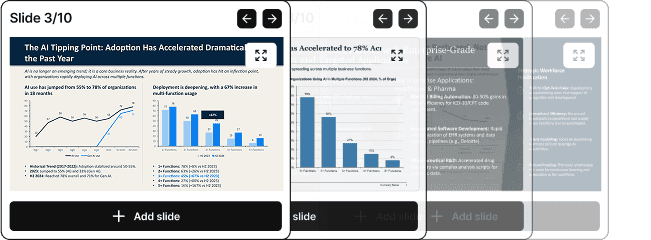


Focus on the narrative. ChatPPT handles the edits.
Find issues, review fixes, and apply updates through chat, without breaking your flow.
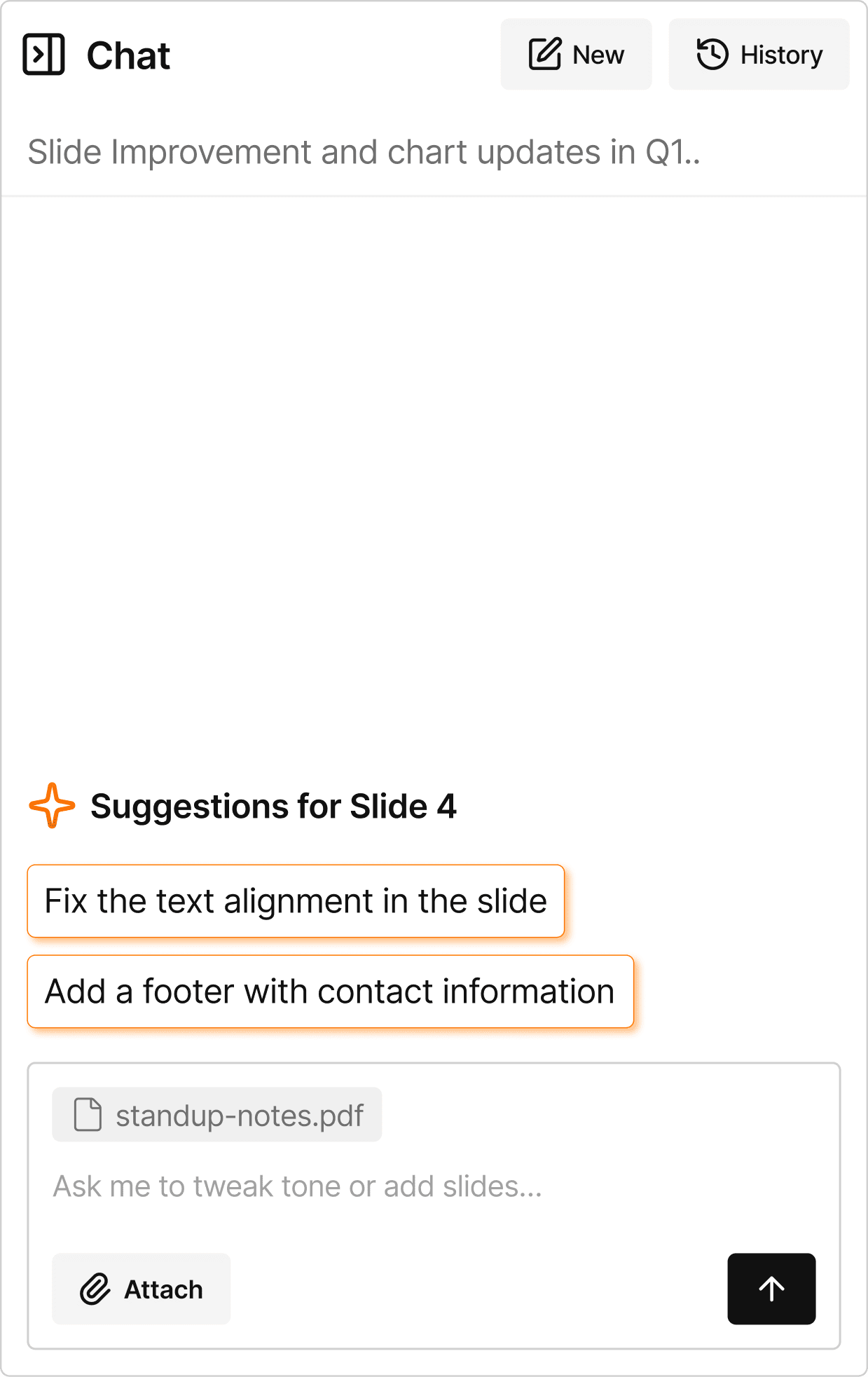
Everything you need to improve a presentation
Improve copy, add visuals and brand marks, turn sketches into slides, adjust formatting, redesign layouts, visualize data, and create new slides.
Prompt Used
Please create a slide using the given data and design in the text

“Slidely ships fast and it shows; features we needed arrived in weeks, not quarters. It's become a daily part of our workflow and saves our team valuable hours to focus on content development. The team is consistently responsive and willing to iterate with us.”
Anchit, Director of Corporate Strategy

“As ex-BCG, I was quite skeptical of using AI for my slides apart from ChatGPT. Slidely broke the wall for me. It's become an essential part of my toolkit. I make changes and review slides with ChatPPT regularly now.”
Abhimanyu, Consultant of Global Tech Strategy

“Day 1 with Slidely, I spotted a heading style mismatch with our deck's style. I sent a note to Apoorve, he replied within the hour, and Nikhil fixed it by morning. I knew it — this team was building with me, not for me.”
Abhishek, Consultant & Applied AI Lead

Explore more products
Slidely AI has more products to cater to your enterprise needs