Step 1
Start by opening the AI Recreate wizard. This tool takes a raw, unpolished slide and transforms it into a professional-looking presentation using either a Slidely template or a template you’ve previously provided.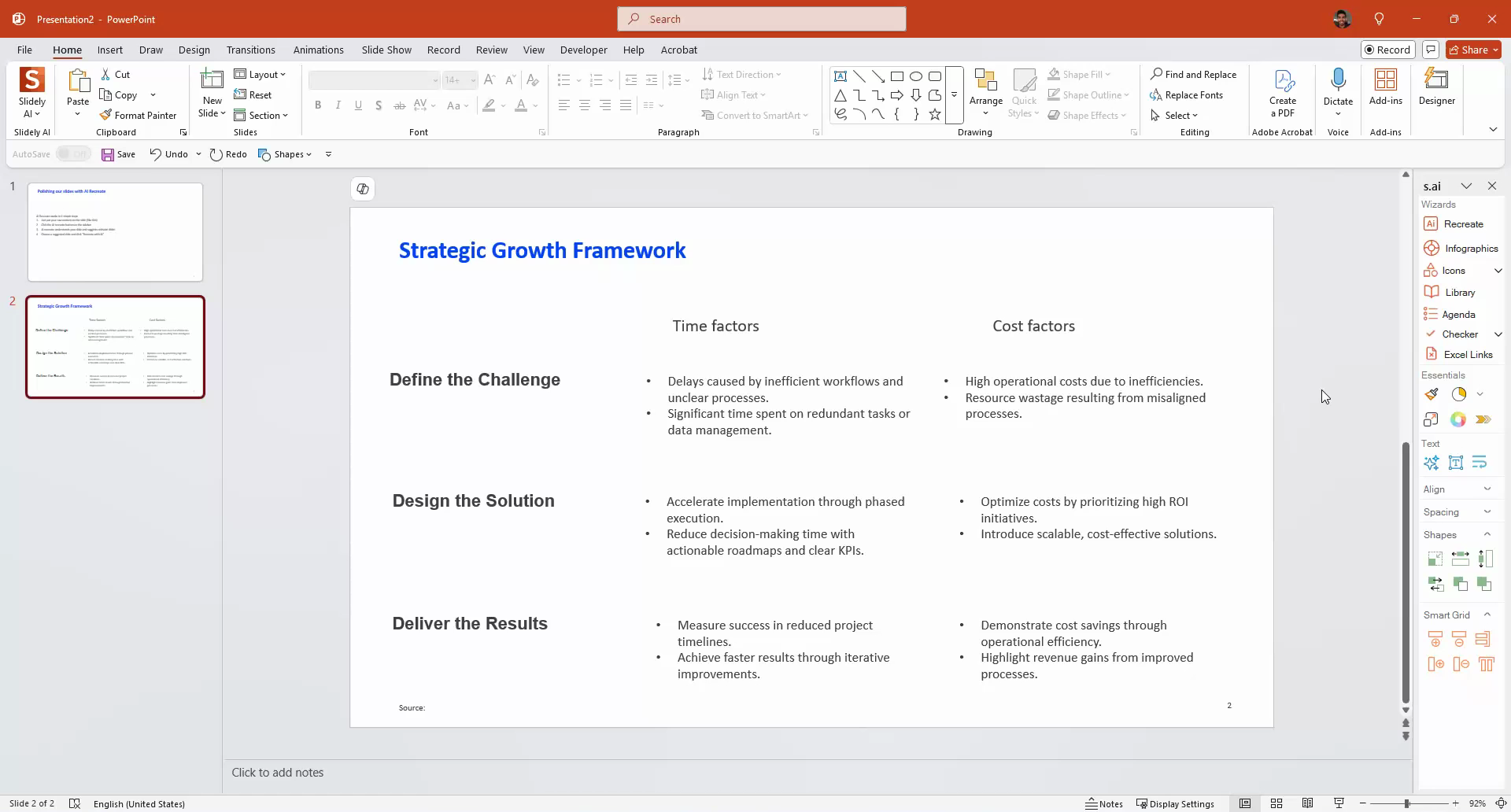
Step 2
Select a raw slide and click on the AI Recreate button. The tool will then search for the best available slide based on the content and structure of your selected slide.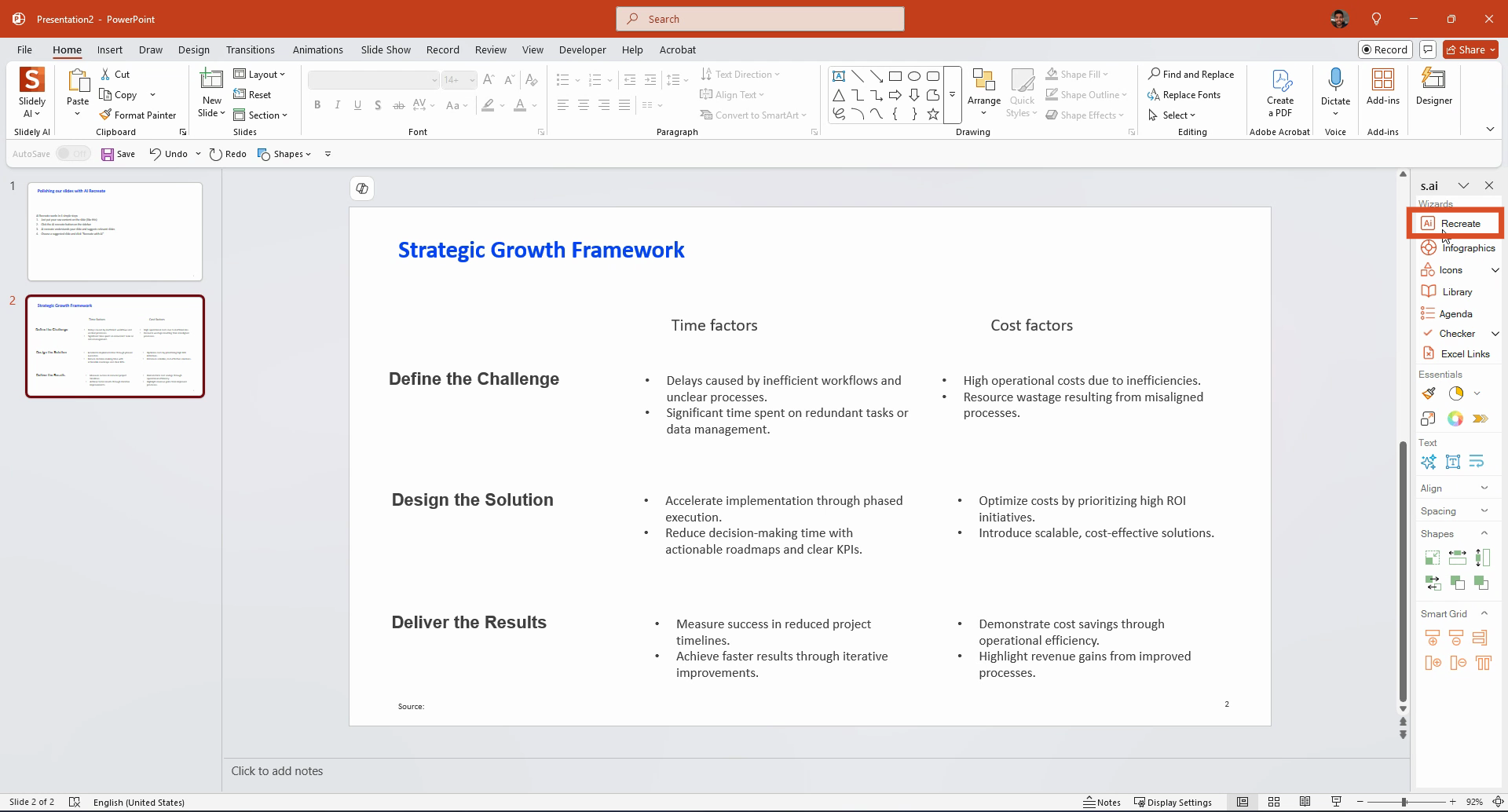
Step 3
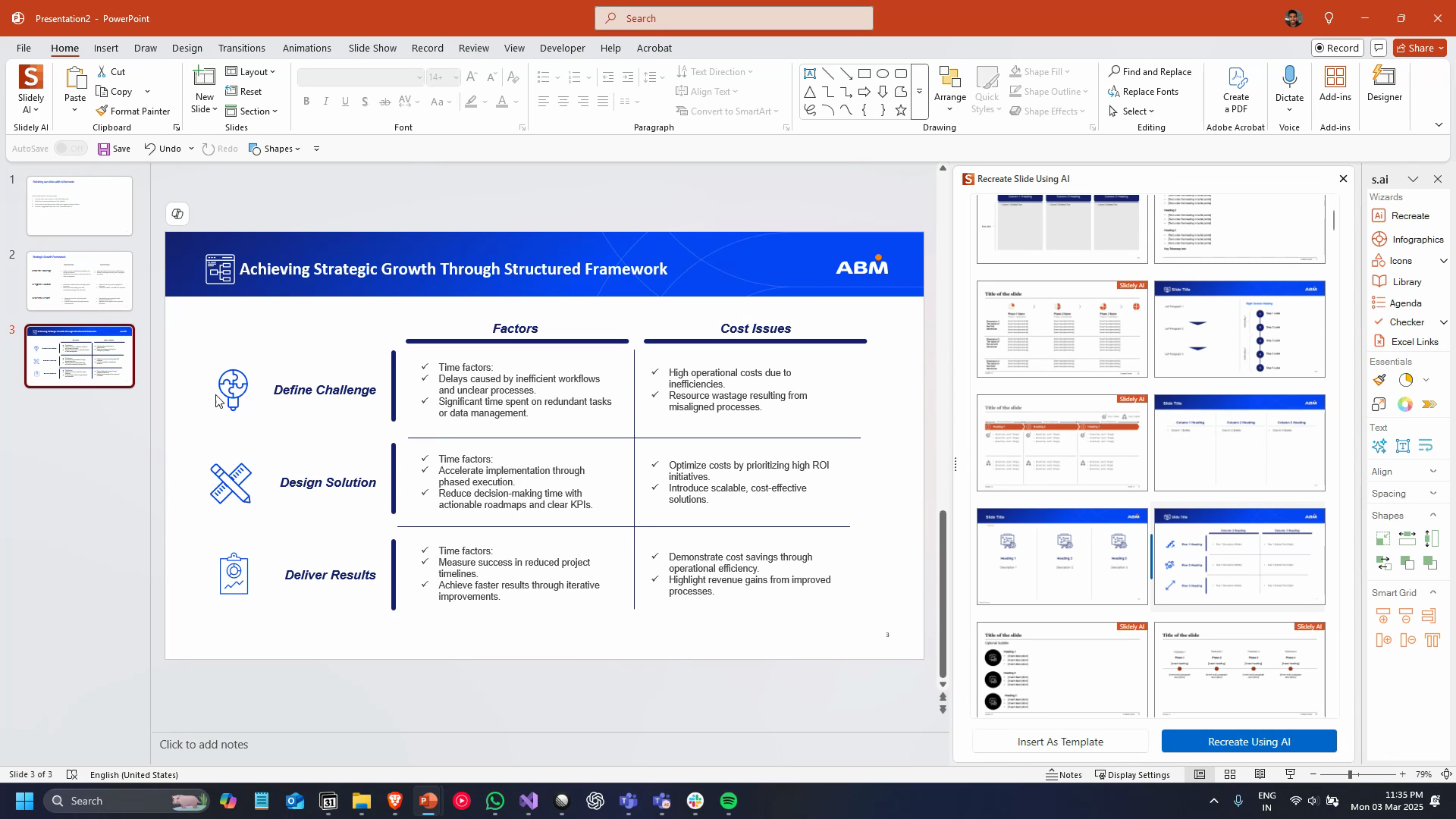
AI Recreate will reorder a variety of templates, selecting the best ones from hundreds of different options. Once you’ve selected a template, click on the Recreate using AI button. This will transfer all the content from your input slide into the chosen template. If the template includes any assets like icons or images, those will be replaced by relevant assets based on your content.Before
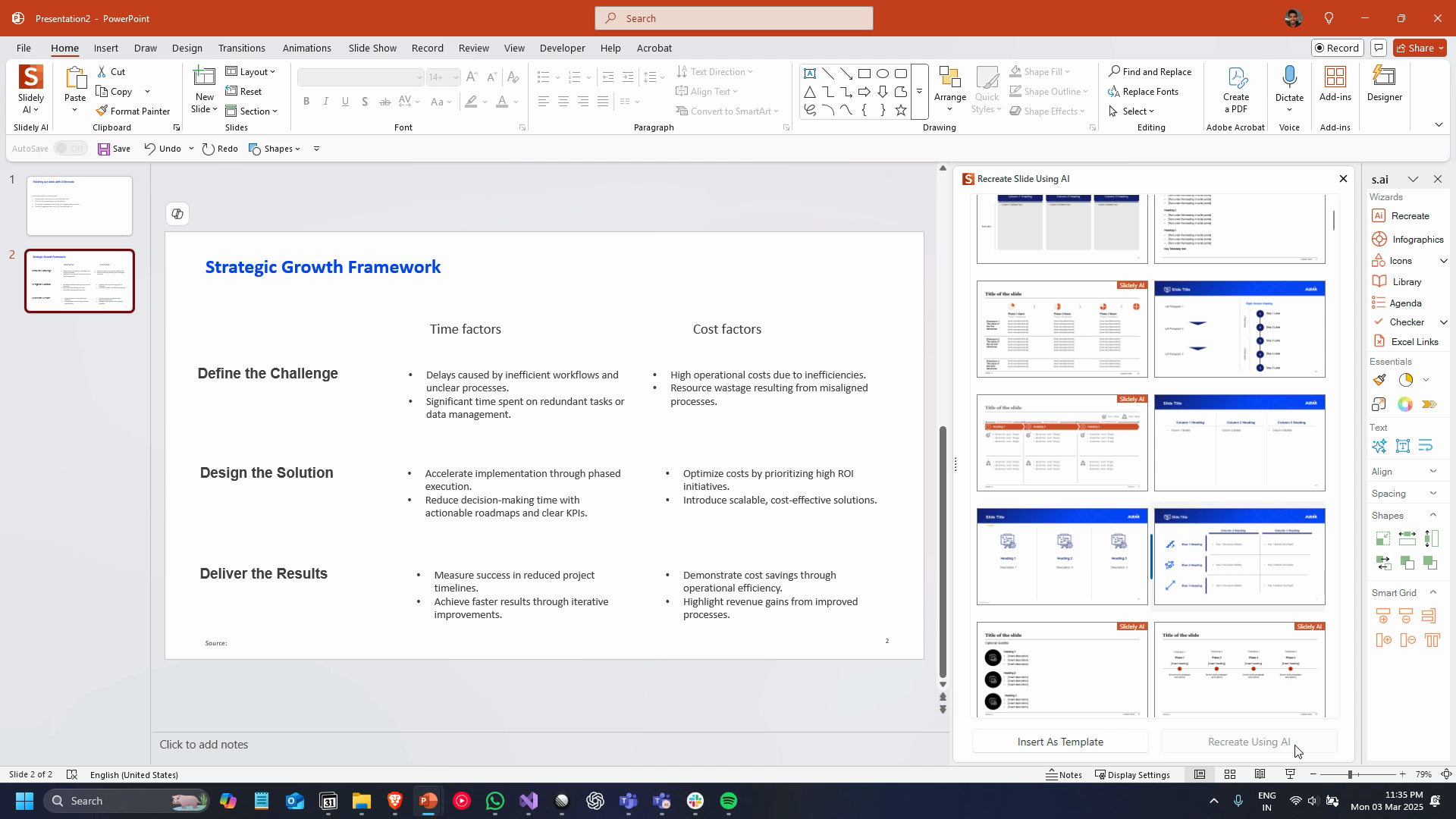
After