
Great presentations, without the grind.
Slidely AI is the only AI PowerPoint assistant that uses your context - design and data.
Level up your decks with Create, Edit and Improve. Available in PowerPoint.


Trusted by Fortune 500 teams and top MBA programs.











Try it out now or scroll down


*Examples shown are unedited outputs generated in Slidely.
What leading teams achieve with Slidely
Faster decks. Consistent branding. Higher-quality output, without changing how teams work.


As ex-BCG, I was quite skeptical of using AI for my slides apart from ChatGPT. Slidely broke the wall for me. It's become an essential part of my toolkit. I make changes and review slides with ChatPPT regularly now.
Abhimanyu
Consultant of Global Tech Strategy
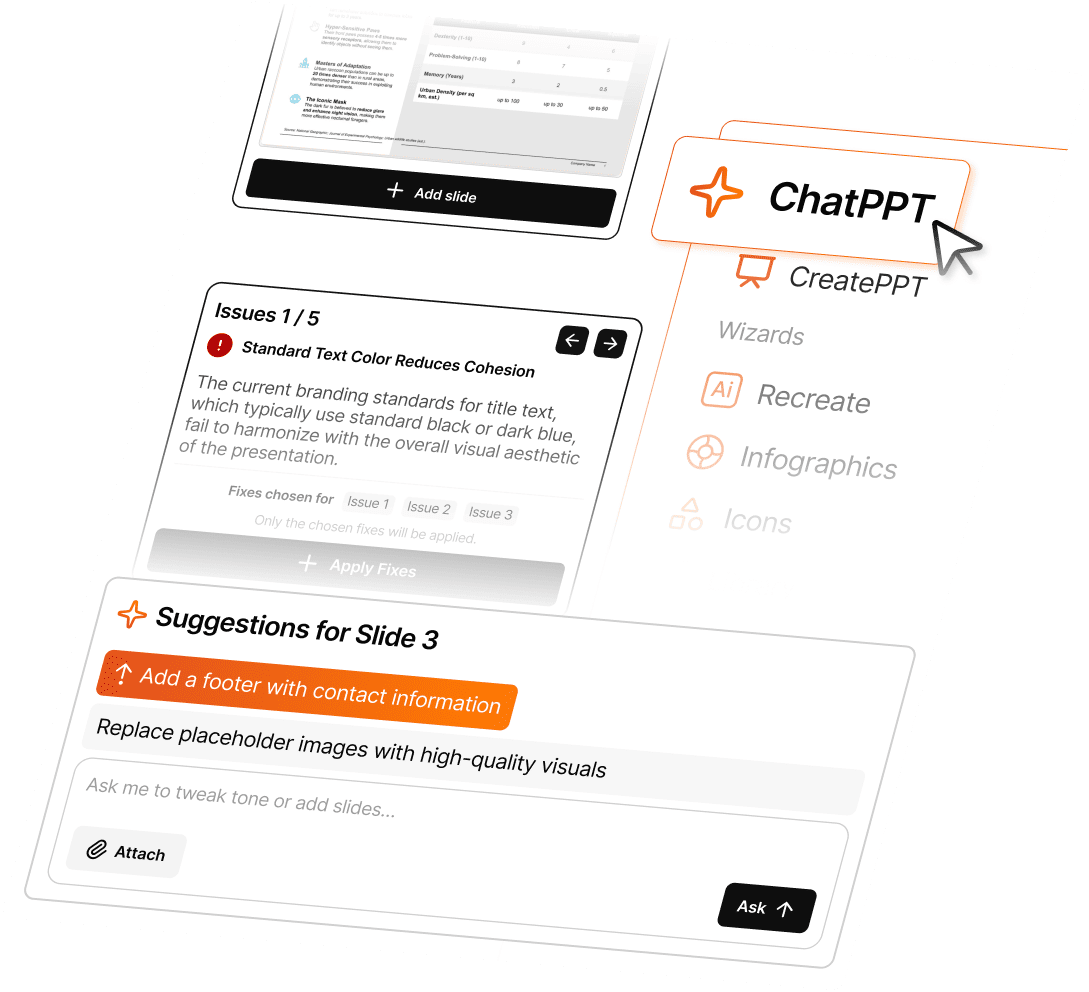
Edit and Create presentations with natural language
Automate slide updates, formatting, and content changes with a command-driven workflow.

Releases, shipped on a reliable cadence.
New features and fixes delivered continuously, so your teams stay current without disruption.

Feature Release

Fixes & improvements
Jan
Smart Elements
Harvey Ball & Checkbox
Feb
Advanced Format Painter
Keyboard shortcuts
Mar
Extensive Table styling
Stretch and Docking
Apr
Gen AI rewrite
Pop-up buttons
May
Improve Hygiene Checker
Jun
ChatPPT 1.0
Jul
Improve ChatPPT 1.0
Aug
ChatPPT Web App
Sep
Slide Editor in ChatPPT
Slide Critic in ChatPPT
Oct
Landing page redesign
Nov
Onboarding in Web App
ChatPPT suggestions
Dec
Slidely 2.0
Nano Banana Pro
Jan
Smart Elements
Harvey Ball & Checkbox
Feb
Advanced Format Painter
Keyboard shortcuts
Mar
Extensive Table styling
Stretch and Docking
Apr
Gen AI rewrite
Pop-up buttons
May
Improve Hygiene Checker
Jun
ChatPPT 1.0
Jul
Improve ChatPPT 1.0
Aug
ChatPPT Web App
Sep
Slide Editor in ChatPPT
Slide Critic in ChatPPT
Oct
Landing page redesign
Nov
Onboarding in Web App
ChatPPT suggestions
Dec
Slidely 2.0
Nano Banana Pro
Designed for teams that
live in PowerPoint.
Slidely automates the parts of deck-making that slow you down - edits, data sync, and visual design.
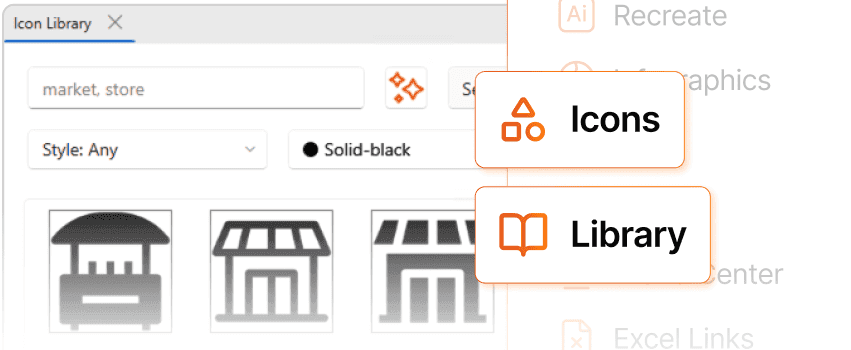
All icons & slides you need, built in.
Stop searching for the right visuals. Slidely gives you access to millions of business icons and curated slide layouts.
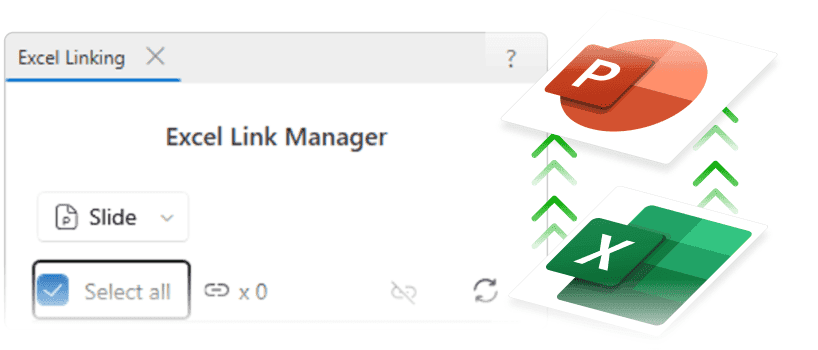
Excel Linking keeps numbers in sync.
Link Excel to PowerPoint once — and every update flows through automatically. No stale numbers. No manual refreshes.
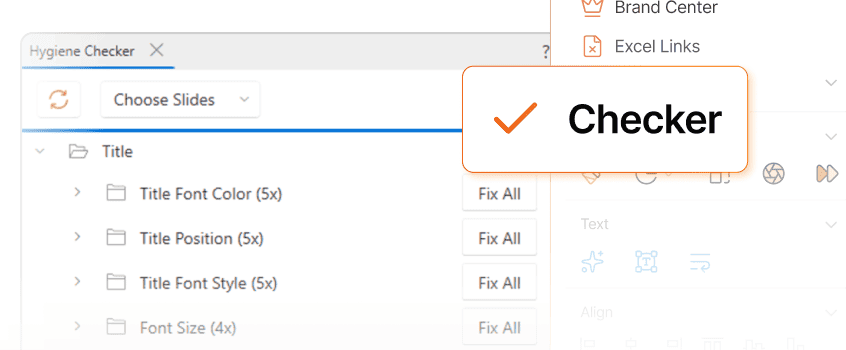
Hygiene Checker fixes your branding issues
Detect color and font mismatches and Auto-apply company standards
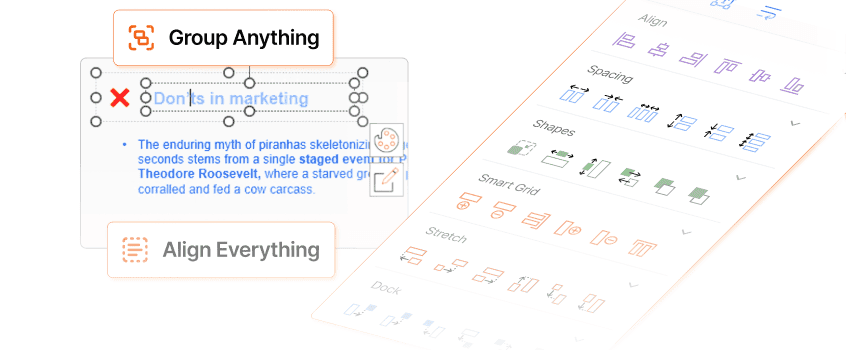
Utilities align everything without arrow-keys
Group items with smart grid and align, space, and position precisely
Get started with free credits.
No credit card needed.
Build on-brand PowerPoint decks faster than ever. Once you see the difference, you’ll never go back.
No new tool, still your PowerPoint.
Just faster.
It lives in PowerPoint. Your flow stays the same.
Step 1
Download the PowerPoint add-in, install it in under a minute.


Step 2
Start editing your deck with AI, right inside PowerPoint.
Type what you need. Slidely builds, aligns, and refines your slides while keeping your brand intact.
One add-in.
Three ways to move faster.
Start with a 5-day free trial. Choose the plan that fits your team and see how much time you can win back.
Individual
For individuals who want to create stunning presentations with AI assistance.
Includes
Everything you need to know.
Answered.
From setup to security, here's how Slidely makes adoption effortless for teams and safe for organizations.
Yes. Slidely AI creates fully native PowerPoint objects, so all your existing add-ins — including ThinkCell — continue to work seamlessly. For example, if you ask Slidely to "create a chart from this table," the resulting chart will be a standard PowerPoint shape you can edit directly or use with ThinkCell, without any extra steps.